
The OMTech laser I run my business on
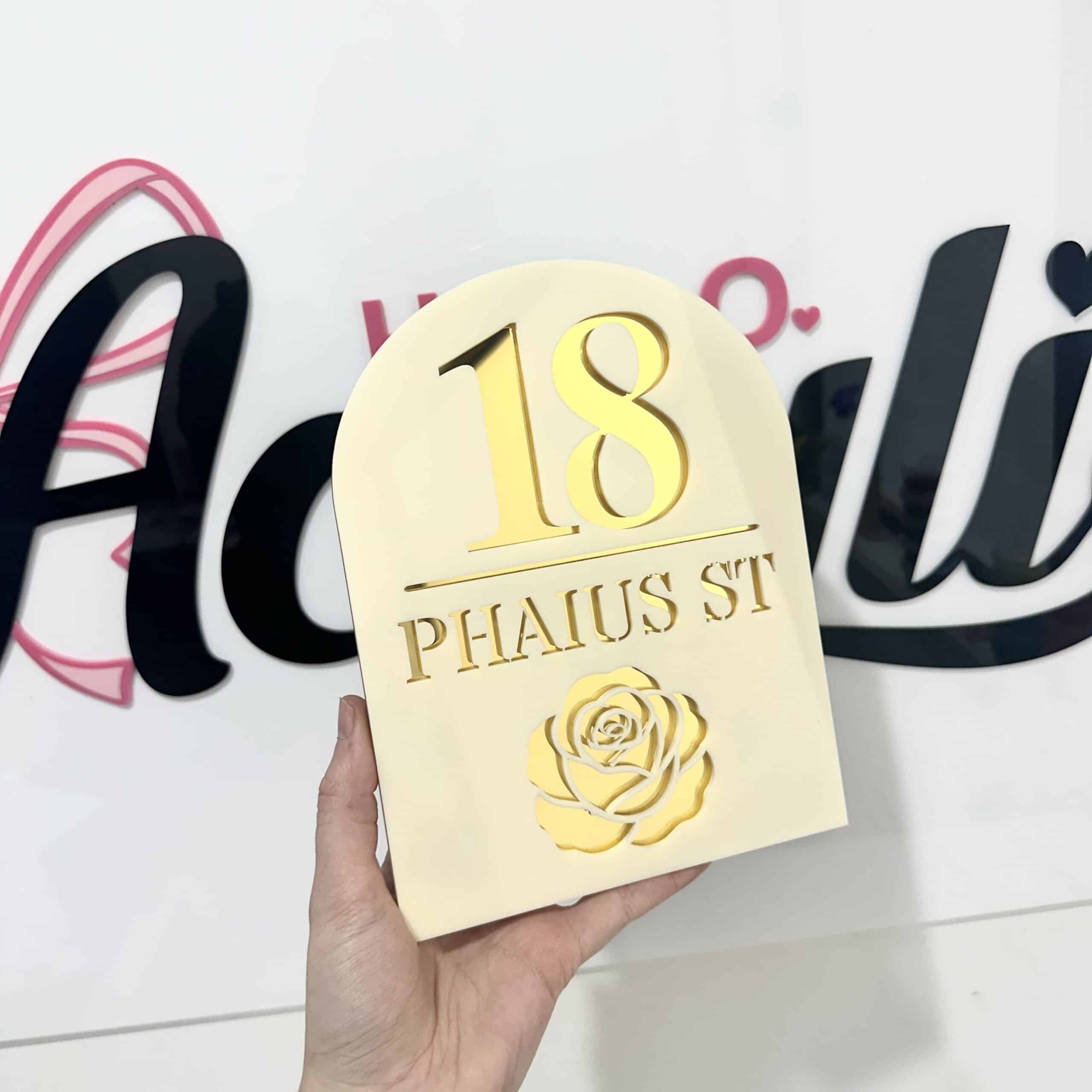
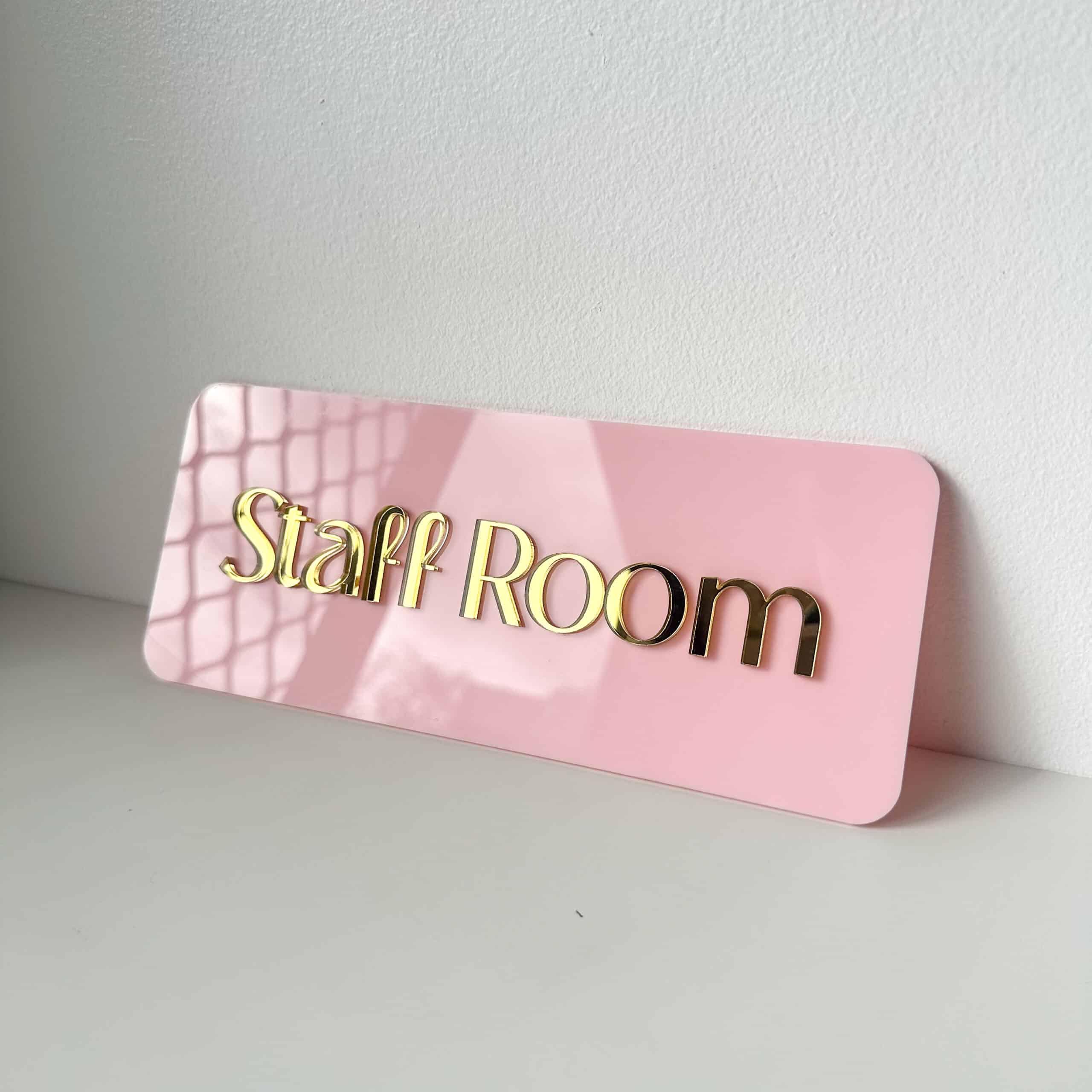
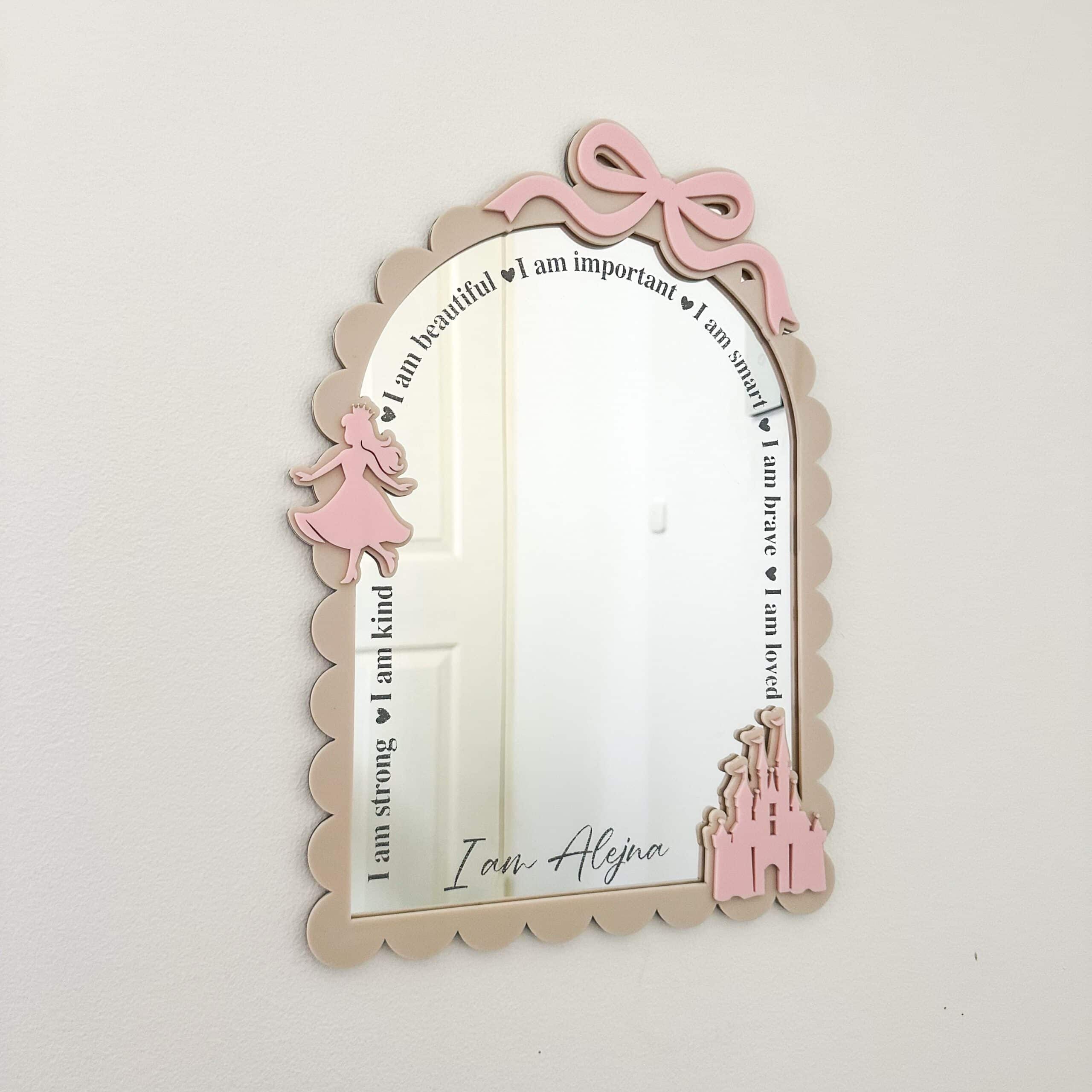
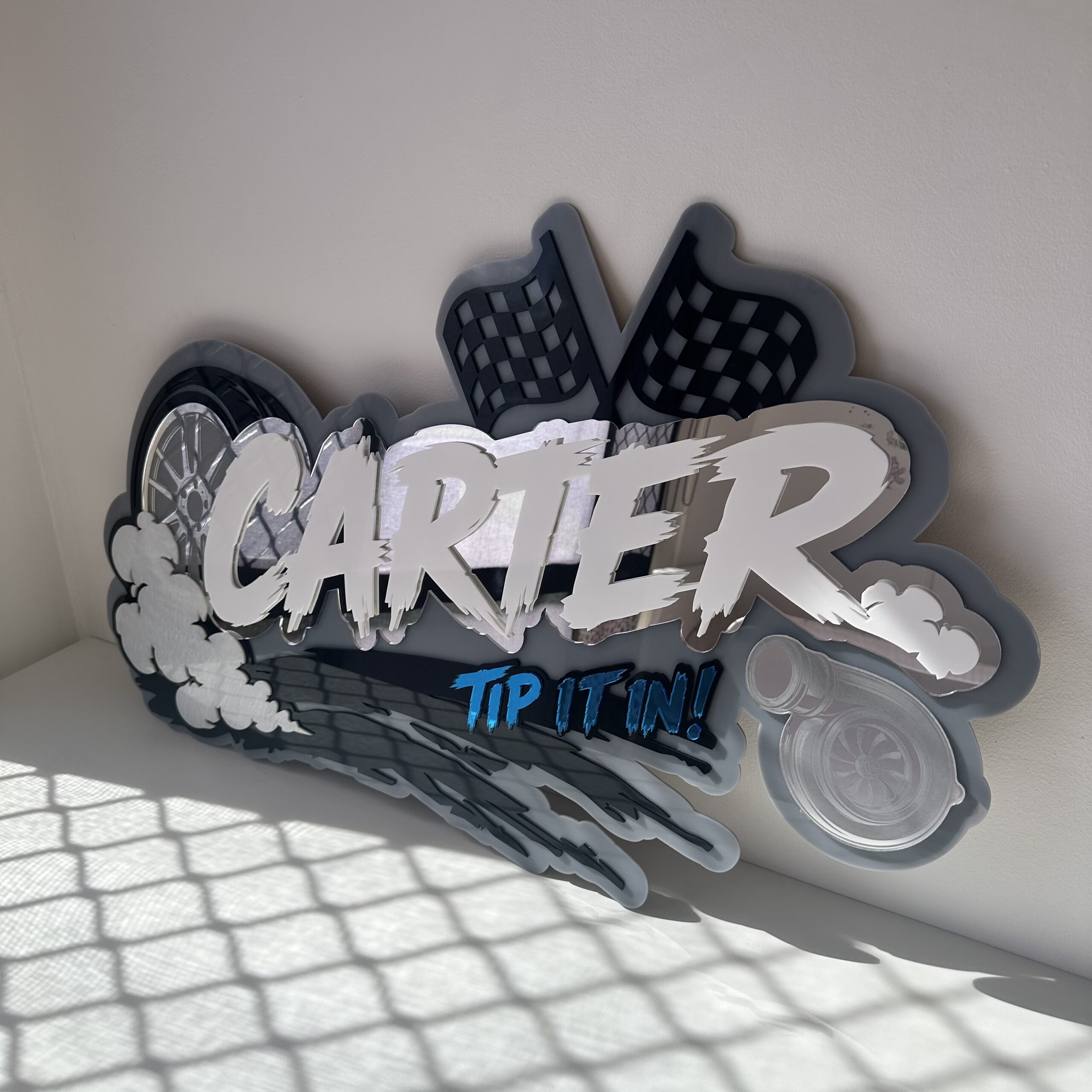
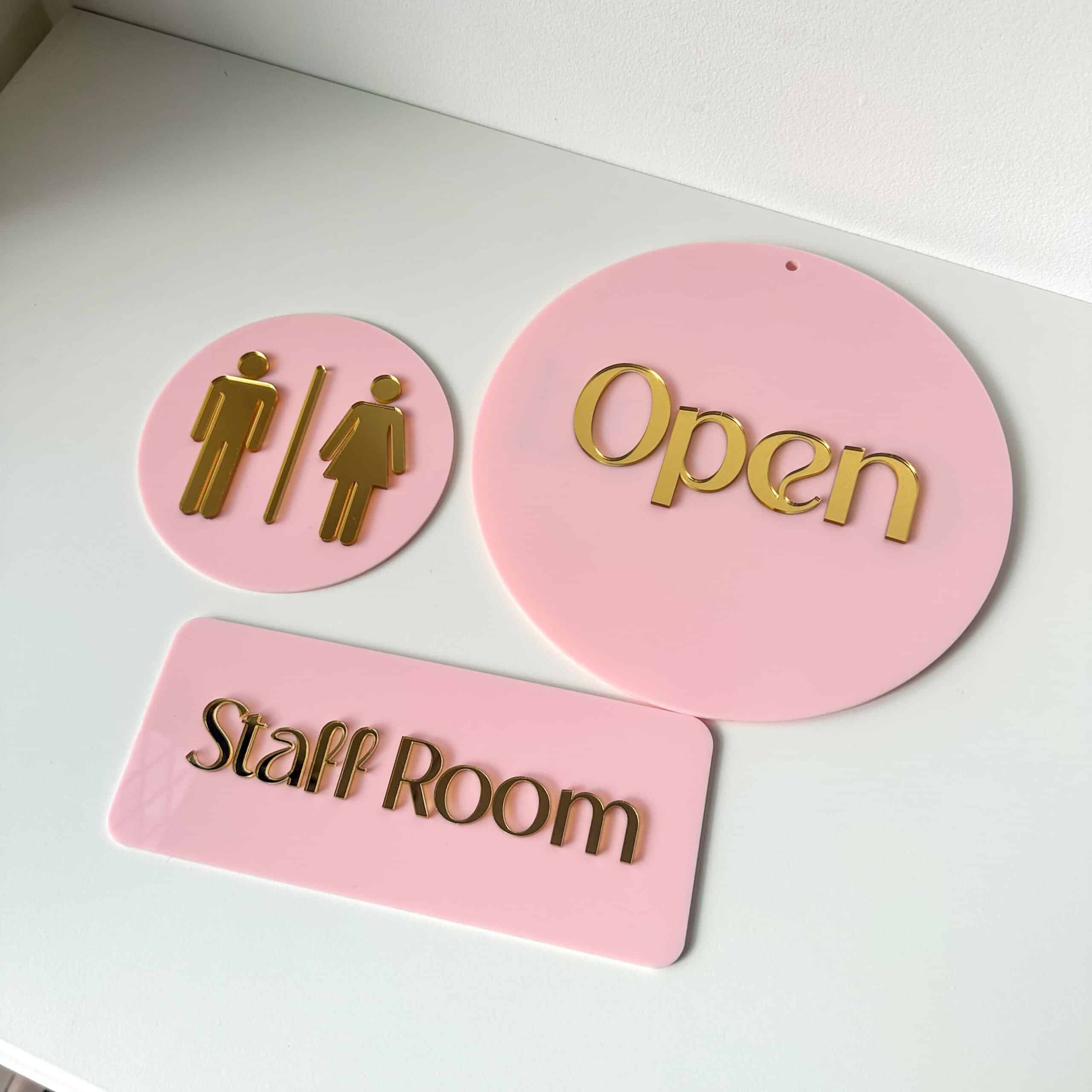
Every Hello Acrylic keepsake is cut in our Brisbane studio on an OMTech Pronto 40. I design in Illustrator, cut with LightBurn, and this is the machine that does the work. If you are getting your own, my code takes 5% off at the OMTech Australia store.
Copy the code, then enter SELMA at checkout on omtech.au. On a production laser like mine that is $400 back. It works on the Polar, the Pronto 40, and most other CO2 lasers on the store. If it will not apply to the one you want, message me first.
Full disclosure: I earn a small commission when you use my code. It costs you nothing extra, and you still save the 5%.
Cut on this machine, in our Brisbane studio

Which machine should you start with
The machines I actually recommend, from someone who uses one daily. The code SELMA works on all of them. Availability comes straight from the OMTech store and can be up to an hour behind.
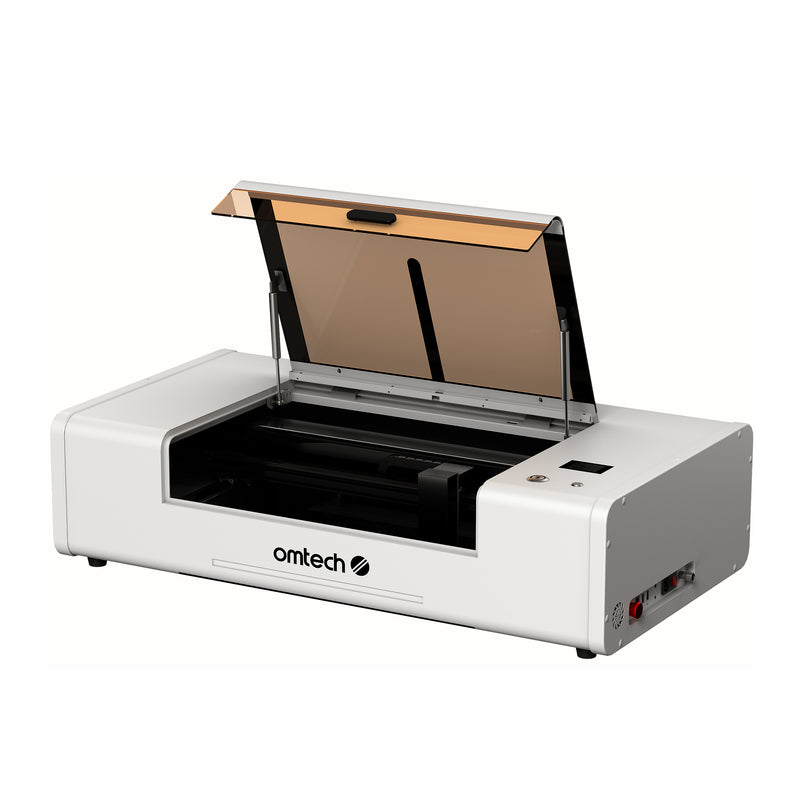
OMTech Polar Lite
55W tube · 500x300mm area · one-click autofocus · 5MP camera · built-in cooling and air assist · LightBurn · 2-year warranty
A 55W all-in-one desktop laser. If you are testing the water or working from a spare room, this is the sensible first machine. It will not overwhelm you and it still cuts and engraves acrylic, wood and more.
See the Polar Lite →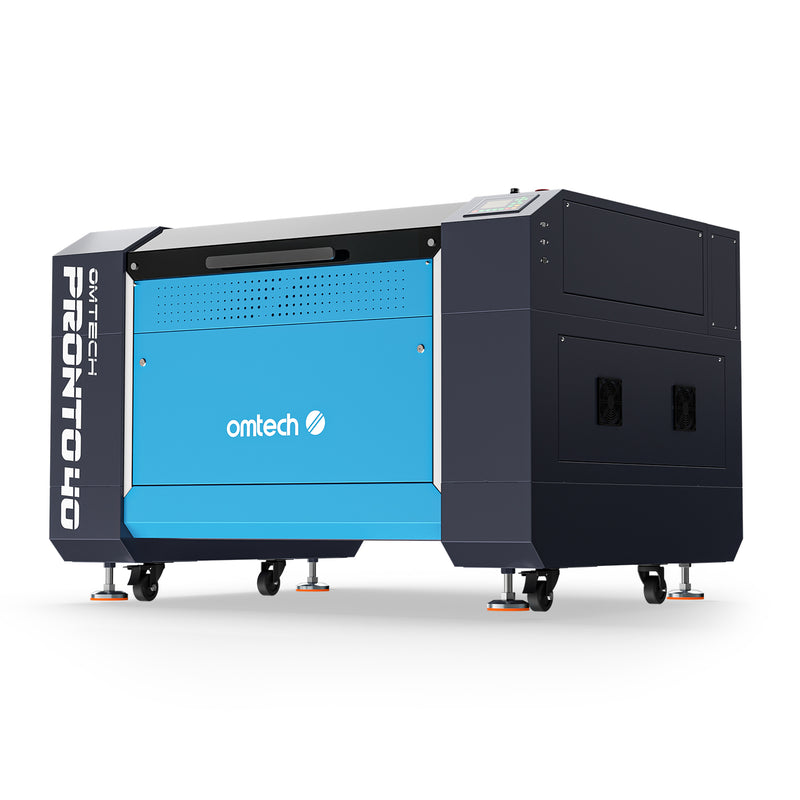
OMTech Pronto 40
90W tube (100W peak) · 900x600mm bed · autofocus · up to 1000mm/s · pass-through doors · LightBurn and RDWorks · 2-year warranty
90W, a big 900x600mm bed and autofocus. This is the machine Hello Acrylic is built on. I chose it because it handles daily volume and larger pieces without slowing down. It is a step up in price, and worth it once you are selling.
See the Pronto 40 →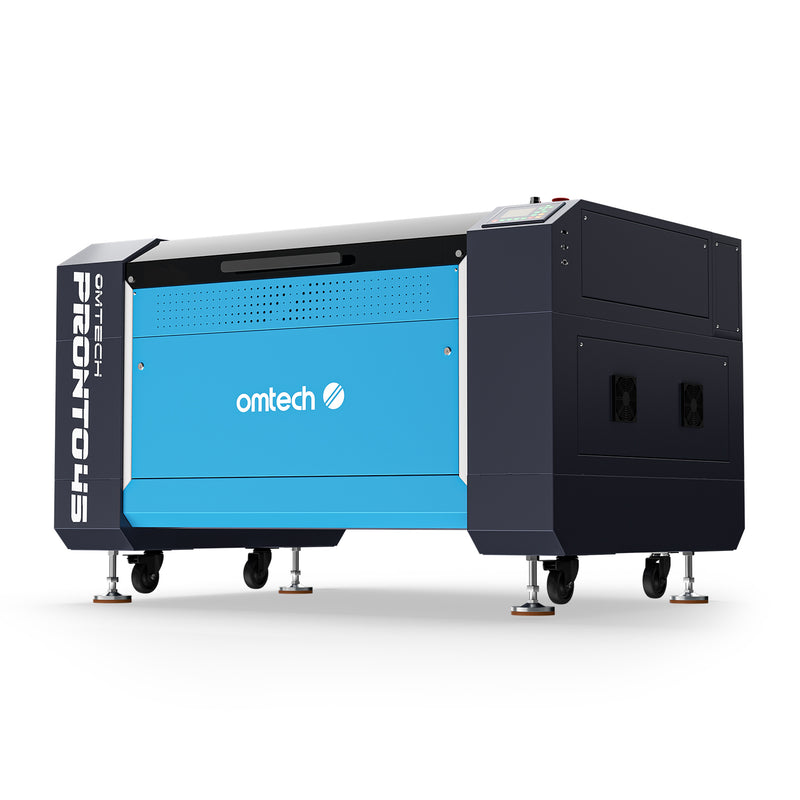
OMTech Pronto 45
100W tube (130W peak) · 1000x600mm bed · autofocus · up to 1000mm/s · pass-through doors · 2-year warranty
My Pronto 40 sells out from time to time. The Pronto 45 is the closest machine to it, and it is really a step up: 100W instead of 90W and a longer 1000x600mm bed, so it cuts thicker and takes bigger work. Same autofocus, same LightBurn workflow, and the code SELMA works on it too.
See the Pronto 45 →Before you buy: what you will actually need
More comes in the box than people expect. What is included varies by machine, so always check the individual product listing.
OMTech CO2 machines generally come with the laser tube and a water reservoir and pump to cool it. What is in the box varies by machine, so check the product listing to confirm.
Many machines include an air assist that blows air at the cut point for cleaner cuts and fewer flare-ups. A stronger air pump is a common early upgrade.
Design in Adobe Illustrator, or the free Inkscape, then drive the laser with LightBurn, a paid licence that runs on Windows and Mac. You also need a computer to run it.
Stick to laser-safe materials like cast acrylic and timber. Never cut PVC or vinyl: it releases toxic gas that is dangerous to you and corrodes the machine.
One safety note: set it up in a well-ventilated spot that vents outside, keep a fire extinguisher within reach, and never leave it running unattended.
That is the real setup. If you are not sure what your space needs, ask me before you buy.
How to use the code
Copy the code above and head to the OMTech Australia store at omtech.au.
Add your machine, and any extras like a rotary or air assist, to the cart.
Paste SELMA at checkout and watch 5% come off the total.
When it arrives, I will help you get going
Setting up your first laser can feel daunting. Buy through my code, then message me when your machine arrives and I will walk you through getting started, over a phone or video call if that is easier. One maker helping another.
Not sure yet? Ask me first
Not sure which machine, or the code will not apply to the one you want? Ask before you buy. Email is fine, and Instagram is usually the quickest.